See the whole. Inspect the part.
Explore a concept car through one interactive assembly: observe its visible surfaces, separate its components, and record a part-specific review.Start the interactive assembly
FURY-X / INTERACTIVE CONCEPT ASSEMBLY
Observe the whole. Separate the parts.
One authored 3D assembly, from a complete exterior to its component relationships.
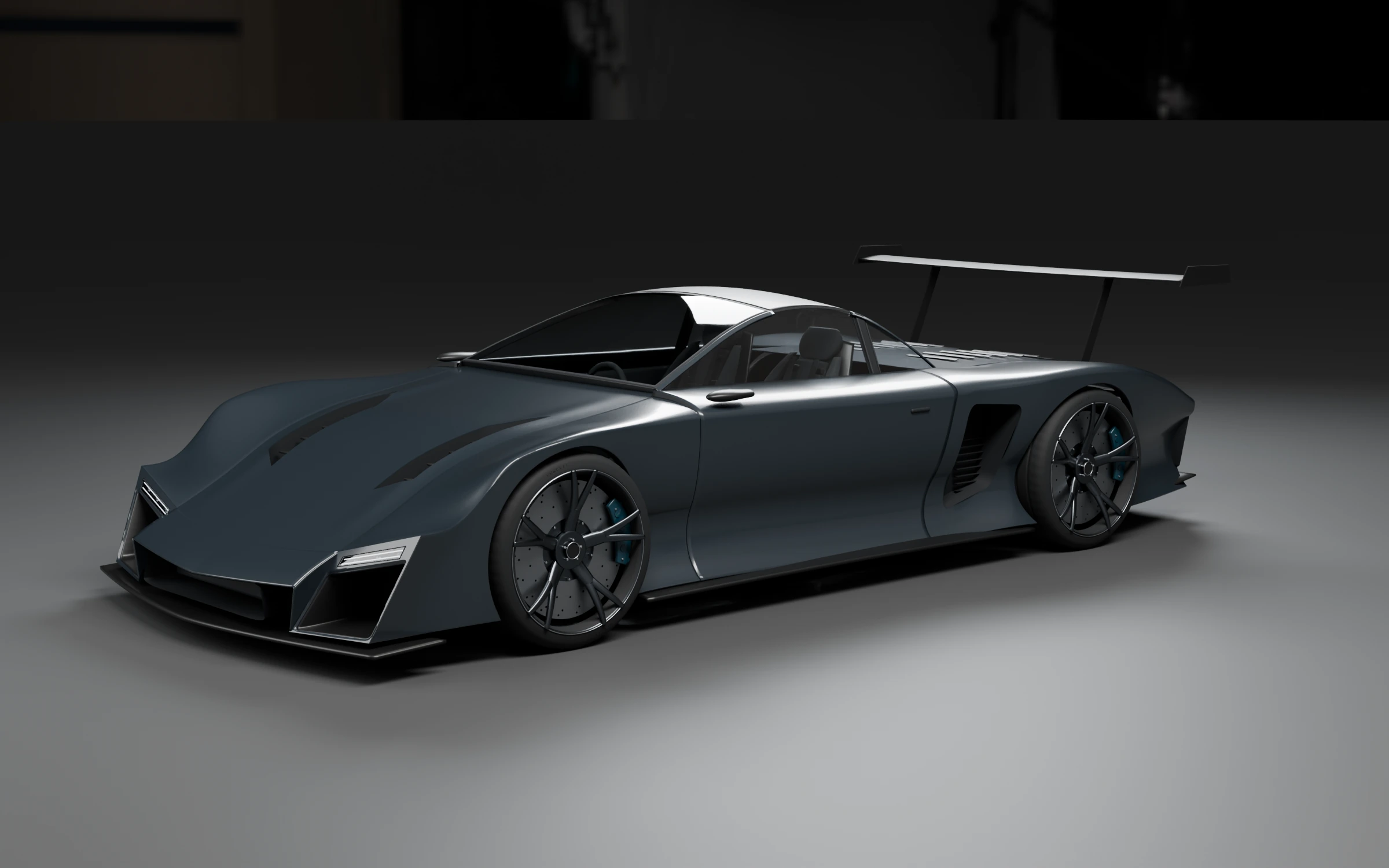
Start with what is visible.
Orbit the actual model to choose a viewing angle. Hidden interfaces remain unobserved.
A simplified display mesh derived from the model surface; not full source topology or AI reconstruction.
Complete the scan illustration to explore individual parts.
A concept display model with authored components and labels. The AI-assisted exterior image is a design reference; this is not a certified manufacturing model or an image-to-3D reconstruction.
DESIGN MODEL REFERENCEDrag the model to rotate; click a component to select its existing model record.
MODEL REFERENCE → VISUAL TASK → HUMAN REVIEW
Choose a part to make the task specific.
- Images for a real task
- A known part version and clear photographs of its visible interfaces.
- How AI vision can help
- Connect a visible observation to a known part and direct a reviewer to a specific location.
- What remains unverified
- Hidden surfaces and real part condition cannot be established from this concept model.
Choose a part, inspect its visible interfaces and define what the next reviewer needs.
Previous review notes
Earlier notes are retained with their exact model version. They do not apply to a different model.
A local concept review. Nothing is submitted and no equipment action is issued.
FURY-X / EXTERIOR CONCEPT
The form. Then the detail.

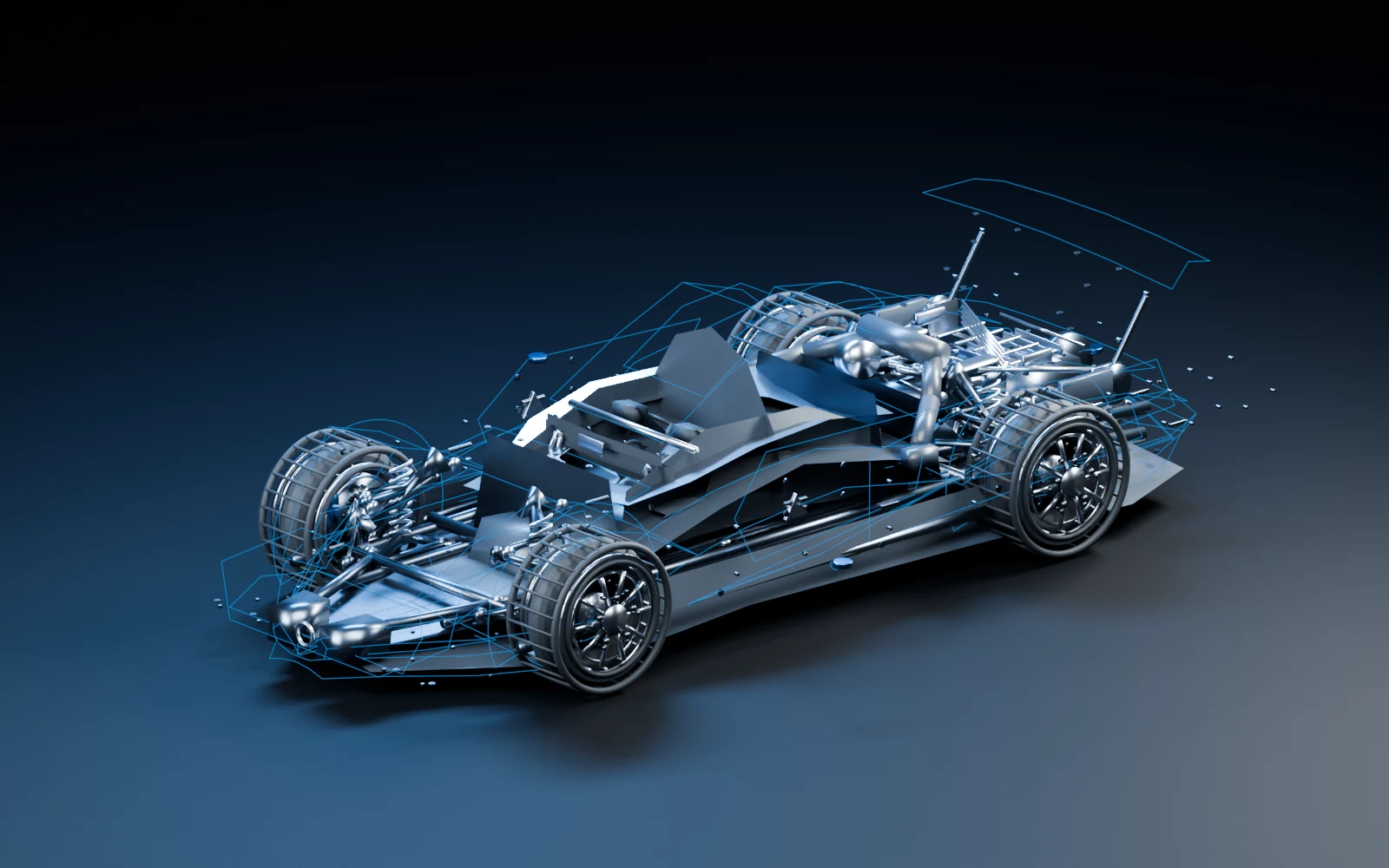
See the whole.
A known design model gives each inspection task an assembly context.
Based on an existing design model. Hidden components are already authored in that model; they are not generated from photographs.
MODEL REFERENCEMAKE THE TASK SPECIFIC
Choose a system. Review a part.
You can also select a visible component in the 3D view. Model labels are design metadata, not image-recognition results.
INSPECTION TASK REFERENCE
Start with a system or part.
- Images to prepare
- A known assembly reference and clear photographs of the area to inspect.
- Where AI vision can help
- Locate visible differences and connect them to an agreed part and inspection location.
- Human review and handoff
- A reviewer checks the evidence and decides the next inspection step.
A planning example generated locally. No inspection or equipment action is submitted.
FROM THE MODEL TO AN INSPECTION TASK
Read the evidence. Define the next step.
APPLICATION CONCEPT — NOT A LIVE FEED
Three authored image sets connect a FURY-X model part to a visible observation and a local review draft. These views are synthetic; they do not run AI inference on real photographs.
Keep the fastening position in view.
Compare a fixed wheel-hub view with its reference. Distinguish a visible difference from a position that cannot be seen.
wheelFLVisible hub fastening position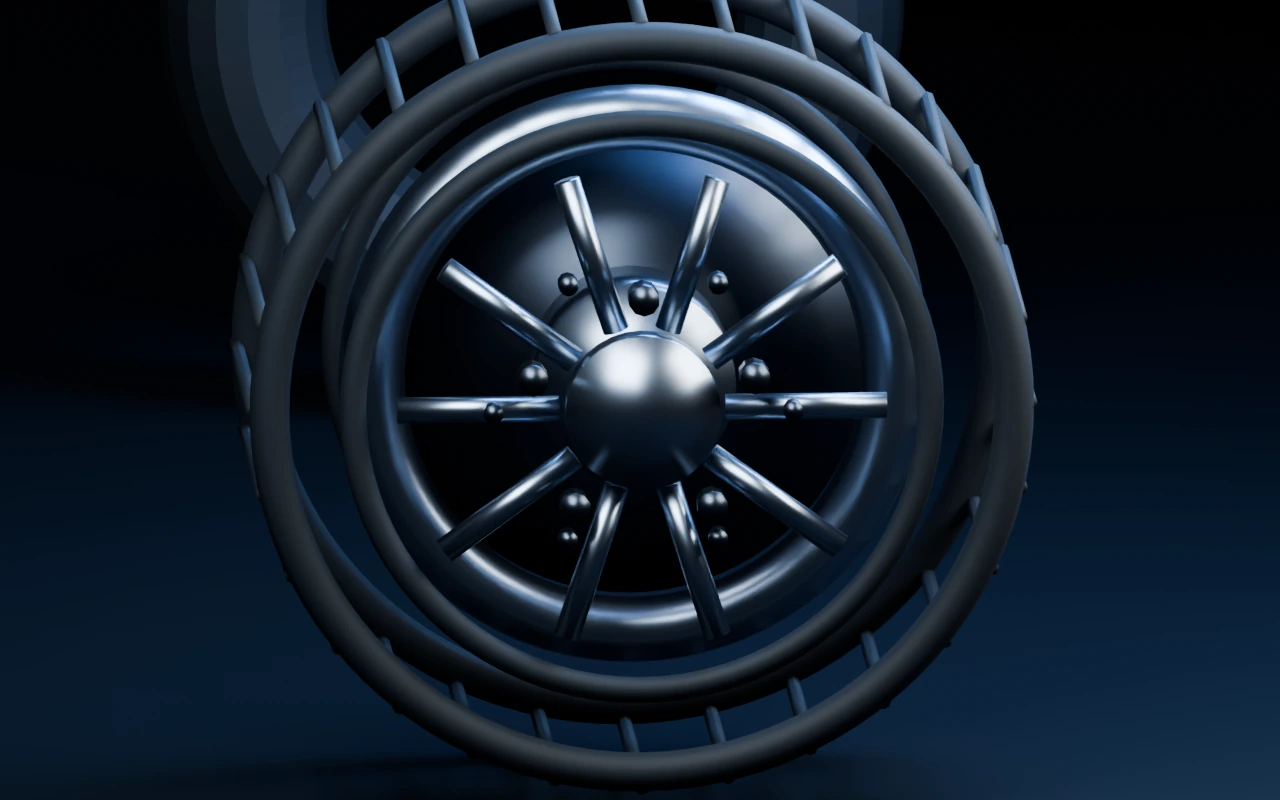 REVIEW REGION
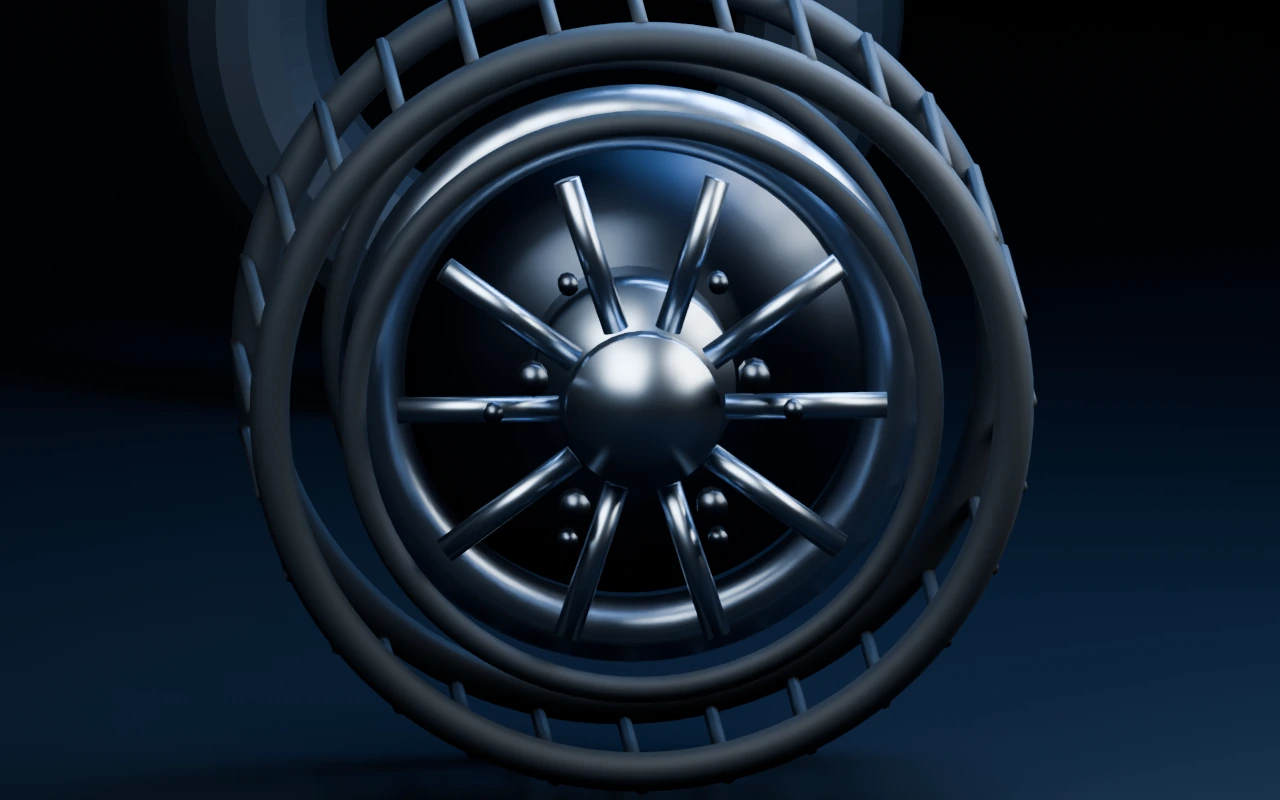 REVIEW REGION
Reference and sample share a fixed task camera. An overlay marks a review region, not an AI detection result.
VISIBLE OBSERVATION
A visible difference needs review.
The lug nut at the upper fastening position is absent in the synthetic capture. The neighbouring wheel features remain unchanged.
- Where vision helps
- Locate a visible presence difference and give the next operator a specific position to check.
- What the image cannot establish
- A view of the fasteners cannot establish torque, hidden engagement or assembly release.
Wait for both images before recording an opinion.
A SPECIFIC HANDOFF
Local review draft
- Part / position
- FURY-X front wheel assembly · Visible hub fastening position
- Evidence state
- Visible difference · Original example capture
- Review opinion
- No opinion recorded
- Next person / next action
- Review the evidence before defining a follow-up.
IN THE MANUFACTURING WORKFLOW
A visual reference is useful when it leads to a clear action.
Assembly completeness
- INPUT
- Expected fastening positions and a station photograph.
- VISUAL ASSISTANCE
- Identify a visible empty position or an observation gap.
- HUMAN HANDOFF
- The operator checks the specific location and retains the correction view.
Composite panel review
- INPUT
- A panel reference, edge views and agreed surface criteria.
- VISUAL ASSISTANCE
- Bring visible edge and surface differences to a reviewer’s attention.
- HUMAN HANDOFF
- The quality reviewer compares another view before choosing the disposition.
Subassembly handoff
- INPUT
- Part identifiers, the assembly variant and accessible interface views.
- VISUAL ASSISTANCE
- Connect each observation to the correct part and location.
- HUMAN HANDOFF
- The next station receives the image, review opinion and remaining check.